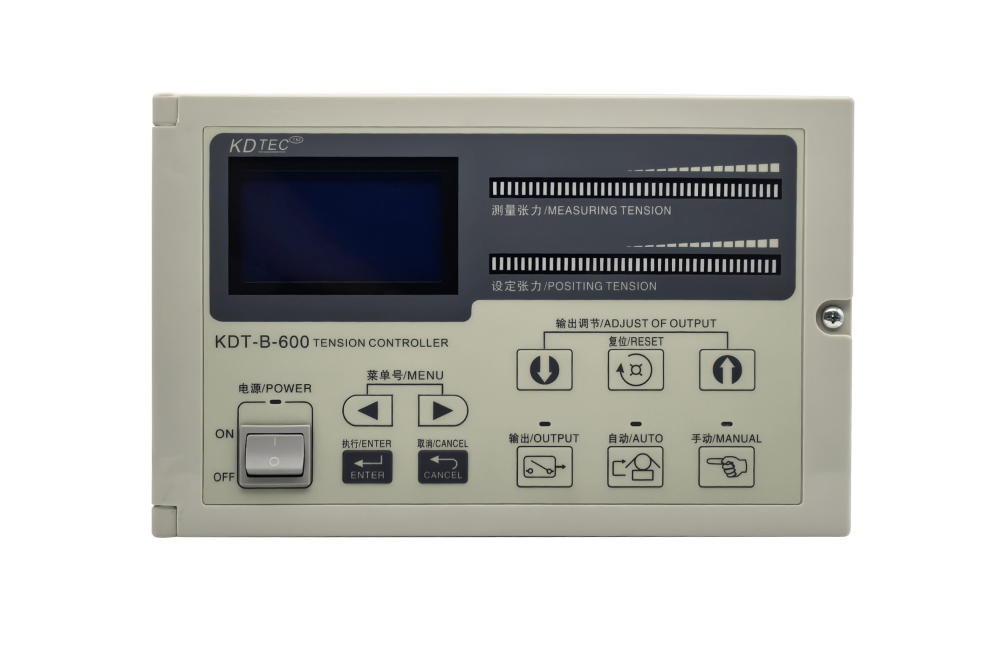
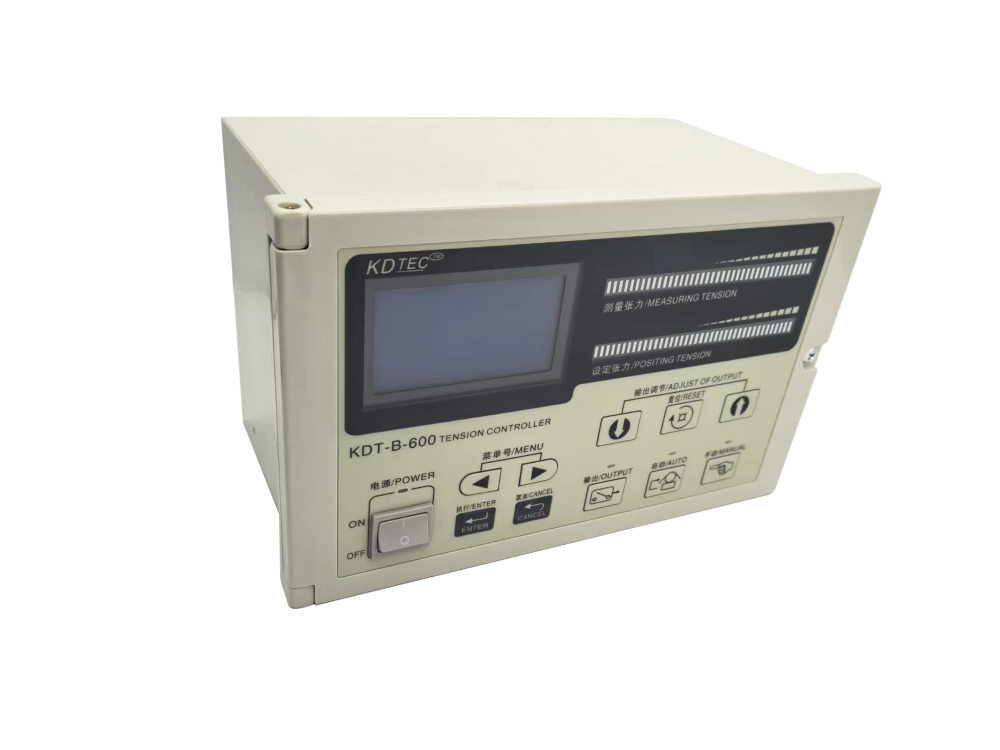
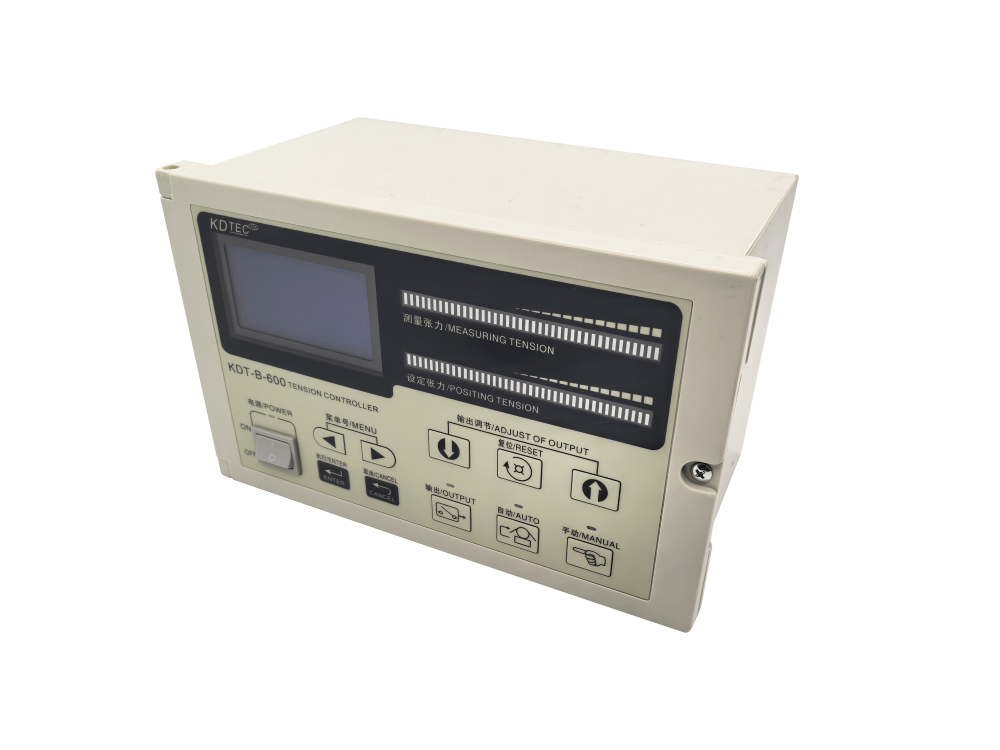
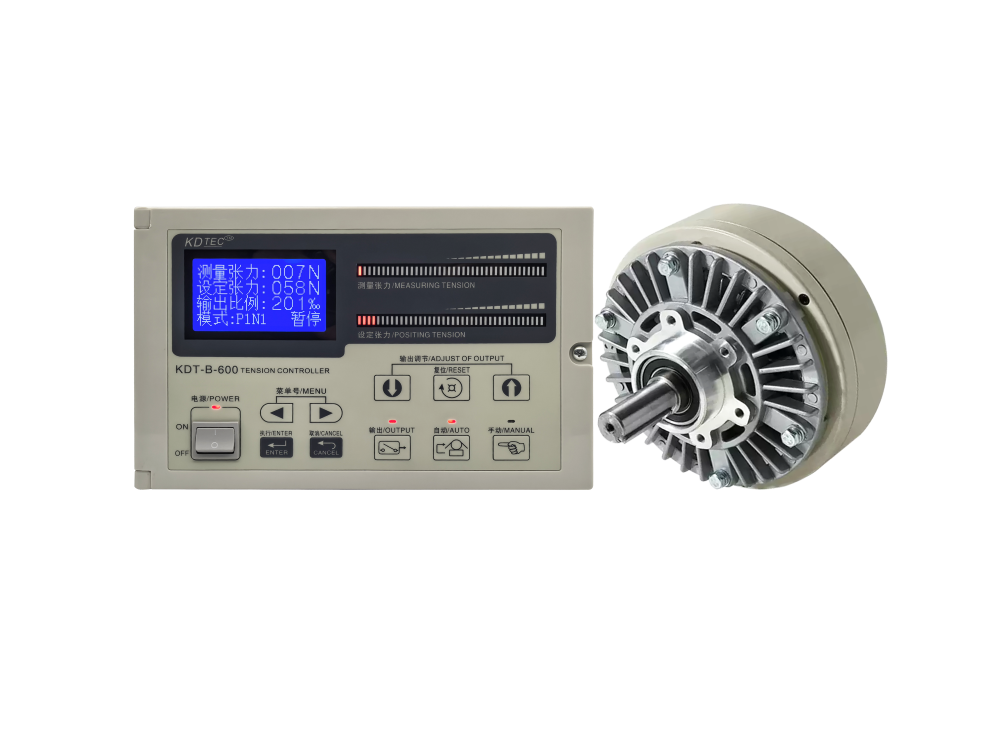
KDT-B Automatic Constant Tension Controller
High-Precision Constant Tension and Taper Control Solution for Winding and Unwinding Lines
-
Estimated Delivery:Oct 11 - Oct 15
-
Free Shipping & Returns: On all orders over $75
KDT-B Automatic Constant Tension Controller
High-precision constant tension and taper control solution for winding, unwinding and continuous web material production lines.
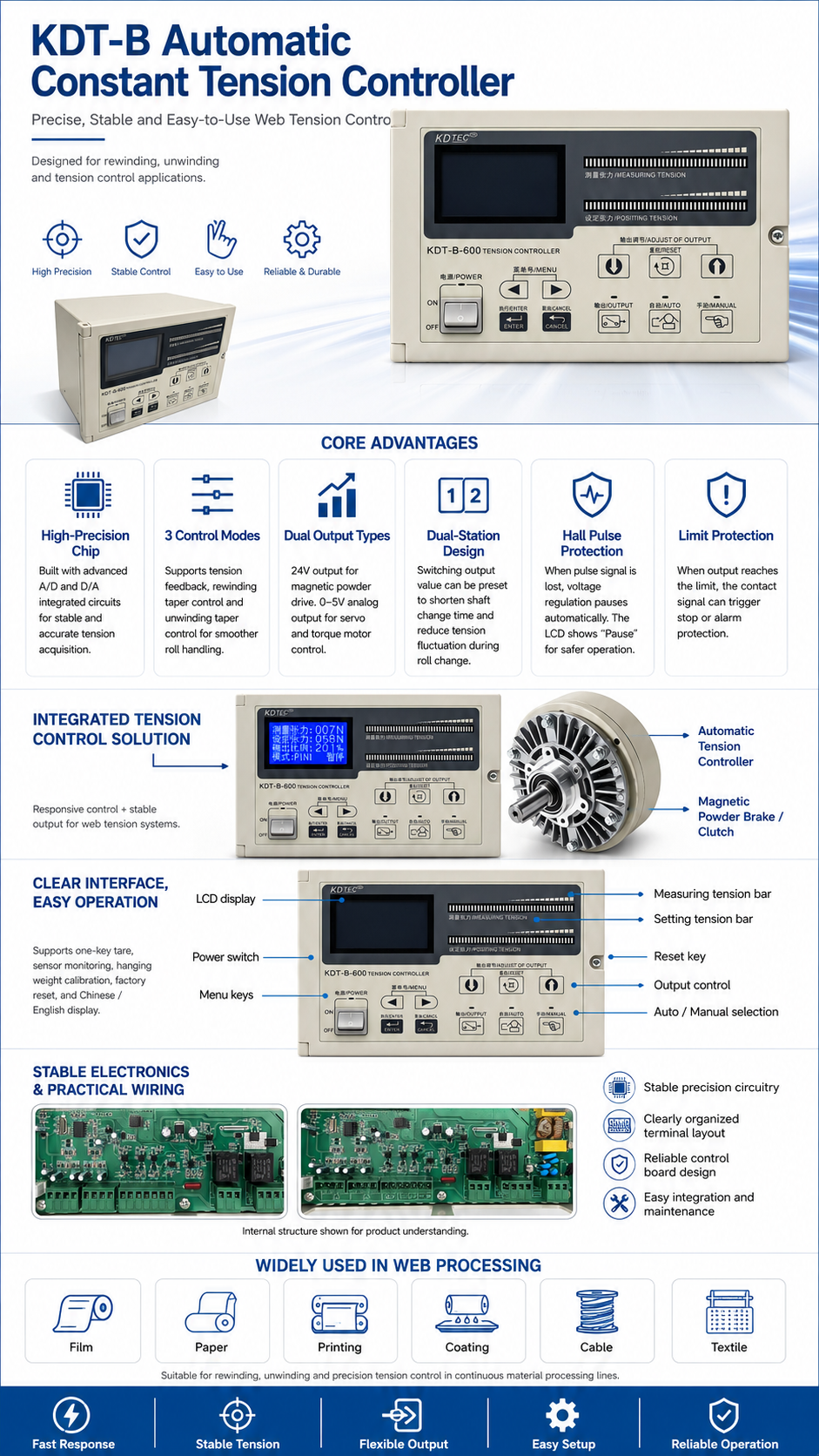
The KDT-B automatic constant tension controller is designed for roll-to-roll production systems that require stable tension collection, accurate output control and reliable process protection. With high-performance A/D and D/A integrated circuits, multiple control modes, dual output types and convenient calibration functions, it helps maintain stable web tension during winding, unwinding and taper tension control applications.
Equipped with high-end A/D and D/A integrated circuits to support stable and accurate tension signal collection.
Supports tension feedback control, winding taper control and unwinding taper control for different roll material processes.
Provides 24V output for magnetic powder devices and 0–5V analog output for servo motors or torque motors.
Shaft-change output values can be set to shorten the shaft switching process and reduce sudden tension changes.
- High-precision tension acquisition with stable signal processing.
- Taper tension control helps prevent rolls from becoming too tight or misaligned.
- Compatible with magnetic powder, servo motor and torque motor control systems.
- Dual-station design supports smoother roll and shaft switching operations.
- Suitable for winding, unwinding and continuous web tension control applications.
- Hall start-stop protection pauses voltage regulation when pulse loss is detected.
- The LCD screen displays “Pause” during protected stop status.
- Limit protection can trigger contact action for shutdown or alarm linkage.
- Supports one-key tare, sensor monitoring and hanging weight calibration.
- Factory reset and Chinese / English display make commissioning easier.
| Product Category | Automatic Constant Tension Controller / Web Tension Control System |
|---|---|
| Product Name | KDT-B Automatic Constant Tension Controller |
| Control Modes | Tension Feedback / Winding Taper Control / Unwinding Taper Control |
| Magnetic Powder Output | 24V Drive Output |
| Analog Output | 0–5V Analog Output for Servo Motor or Torque Motor |
| Station Design | Dual-Station Design with Shaft-Change Output Setting |
| Protection Functions | Hall Start-Stop Protection and Limit Protection |
| Debugging Functions | One-Key Tare, Sensor Monitoring, Hanging Weight Calibration and Factory Reset |
| Display Language | Chinese / English Display |
The KDT-B controller integrates precise signal acquisition, flexible control modes, dual output compatibility, shaft-change support and practical protection functions, helping production lines achieve more stable winding and unwinding tension control.
KDT-B Automatic Constant Tension Controller FAQ
Common questions about installation, calibration, operation, parameter settings, troubleshooting, and output interfaces.
1. Installation
Key precautions:
- A universal bearing seat must be used for transitional installation. Rigid installation is strictly prohibited.
- All fixing screws must not be too long, otherwise they may damage the detector reed or internal measuring mechanism.
- For vertical installation, the fulcrum side, which is the lead wire end, must face upward.
- Strong impact or vibration to the detector is strictly prohibited.
2. Commissioning and Calibration
Press the detector gently by hand. If the value increases significantly, the detector is working normally. If the value is lower than 1000 or higher than 20000, check whether the installation is correct or whether the sensor is damaged.
Operation method: In the no-load state, enter Menu 1: Tare Removal, then press the execute switch to complete the operation.
- Perform tare removal once to reset the measured tension to zero.
- Hang a standard weight close to the full rated tension at the center of the two detectors.
- Enter Menu 5: Tension Calibration, input the actual suspended weight value, and press the execute switch to complete calibration.
3. Operation
Press the automatic switch to enter automatic mode. The automatic indicator will light up, and the controller will automatically adjust the output according to the set tension.
This prevents the controller from mistakenly judging insufficient tension after the machine stops and increasing the output, which could cause excessive tension and material breakage at the next startup.
Installation notes:
- The magnetic steel has a front and back side, so orientation must be correct.
- If the equipment speed is too low, the number of magnetic steels can be increased to shorten the pulse interval.
4. Parameter Settings
- Tension Feedback Mode: Factory default mode. It provides high-precision closed-loop control and is suitable for applications requiring constant tension accuracy.
- Rewinding Taper Mode: Uses the Hall switch to detect roll diameter changes and perform fuzzy tension control. It is suitable for applications where constant tension accuracy is not highly demanding. It can also help prevent the material roll from being wound too tightly or skewed.
- Unwinding Taper Mode: Also uses roll diameter change detection for fuzzy tension control and is suitable for less demanding constant tension applications.
5. Troubleshooting
Solution: The limit relay will act automatically. An external buzzer can be connected for alarm indication, or the relay can be linked to stop the motor. Check whether the sensor is faulty, the material is broken, or the mechanical system is jammed.
The stop gain setting range is 0–4000%. For example, when it is set to 2000%, the output value will be doubled during stopping to offset material inertia and prevent loose winding.
A larger value makes the display more stable, but the response speed becomes slower. Adjust it according to the actual working conditions.
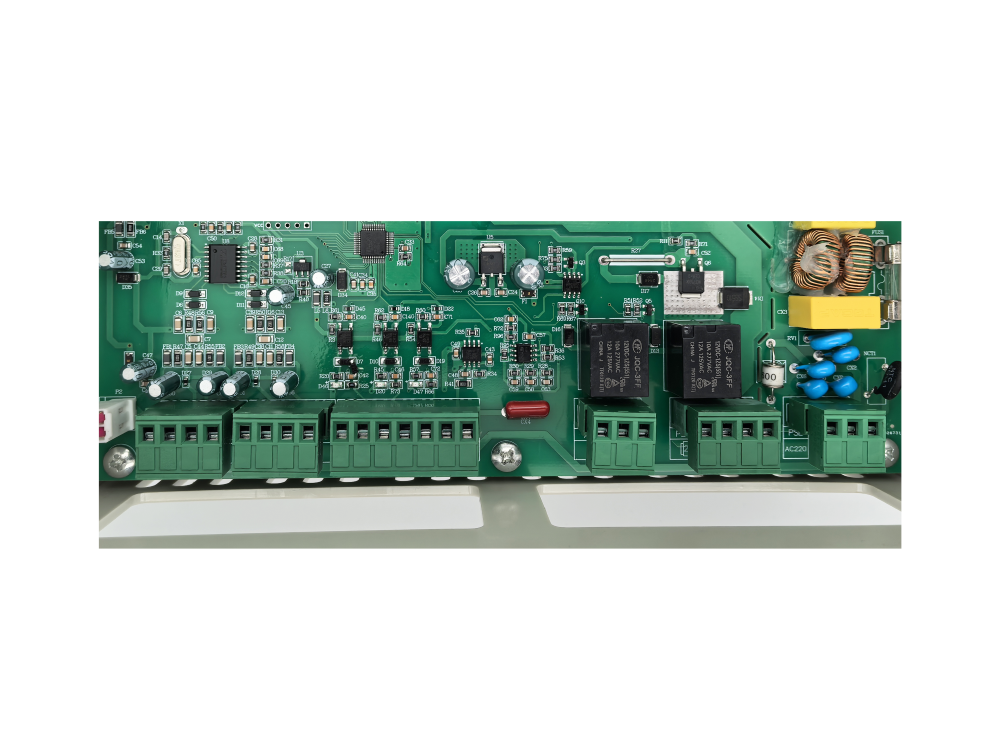
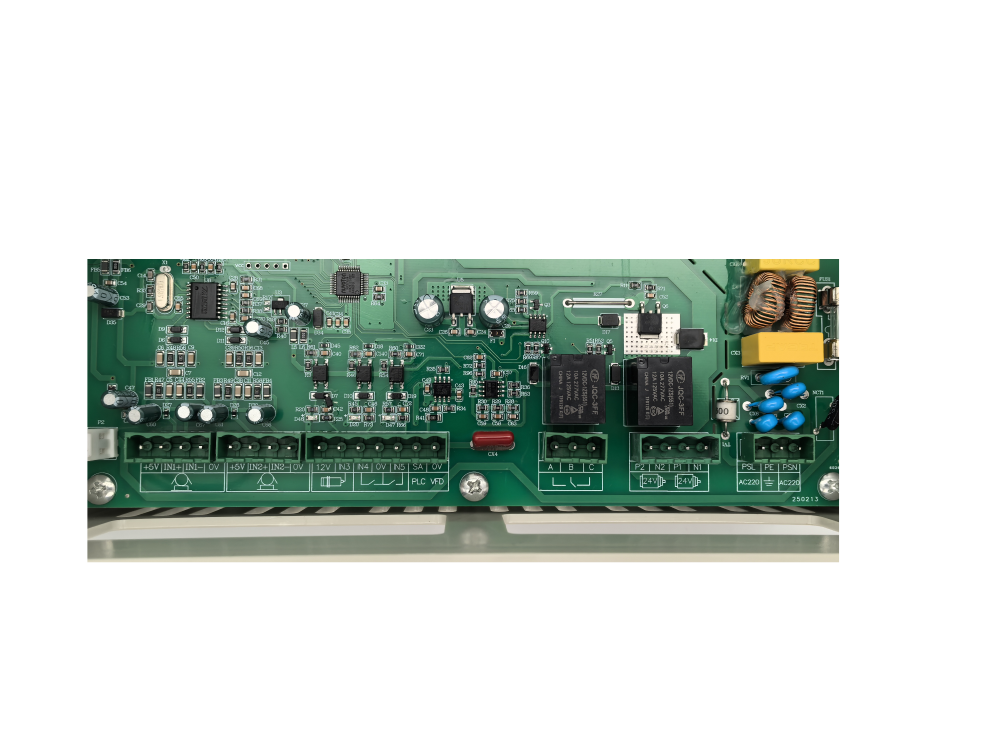
6. Output Interfaces
- Two channels of 24V constant current output, which can directly drive magnetic powder clutches or brakes.
- One channel of 0–5V analog output. The SA output can be selected as 0–10V through Menu 14. It can drive servo motors or torque motors, and can also be used to indicate the output ratio.
After setting the output ratio in Menu 3: Shaft Change Output, the main and secondary transmission shafts can be automatically switched through an external dual-station transfer switch. This allows smooth tension transition during shaft changing.
You Might Also Like
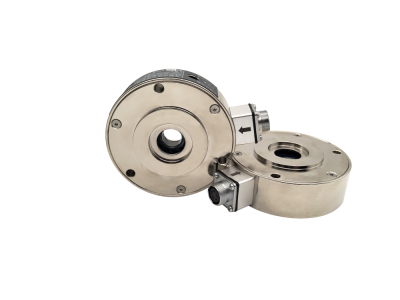
SJ-821 Tension Amplifier with SJ-CZ Series Tension Sensor
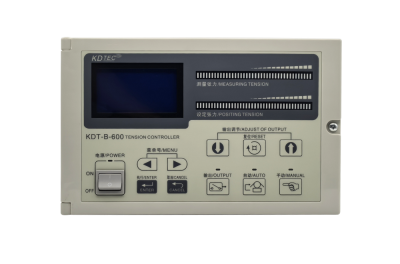
KDT-B Automatic Constant Tension Controller
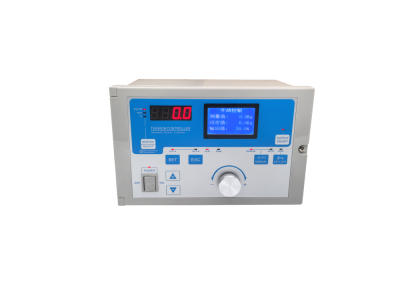
SJ-828 Automatic Tension Controller